First steps
After logging in for the first time, you will be taken to the First steps page, where a wizard will help you with the initial creation of a unit: 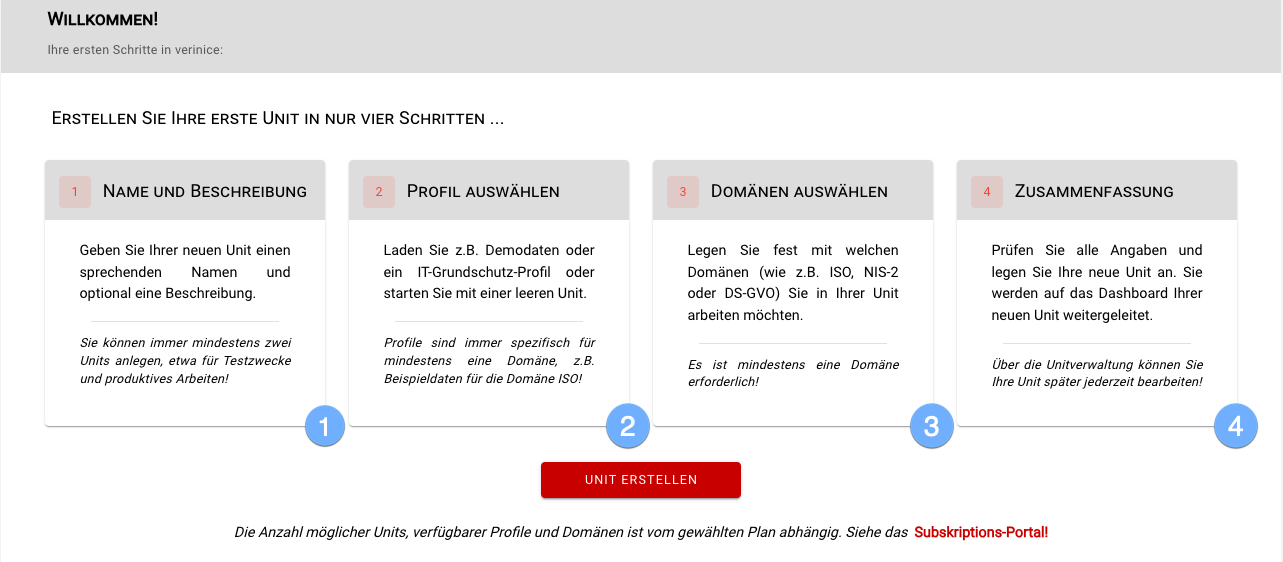
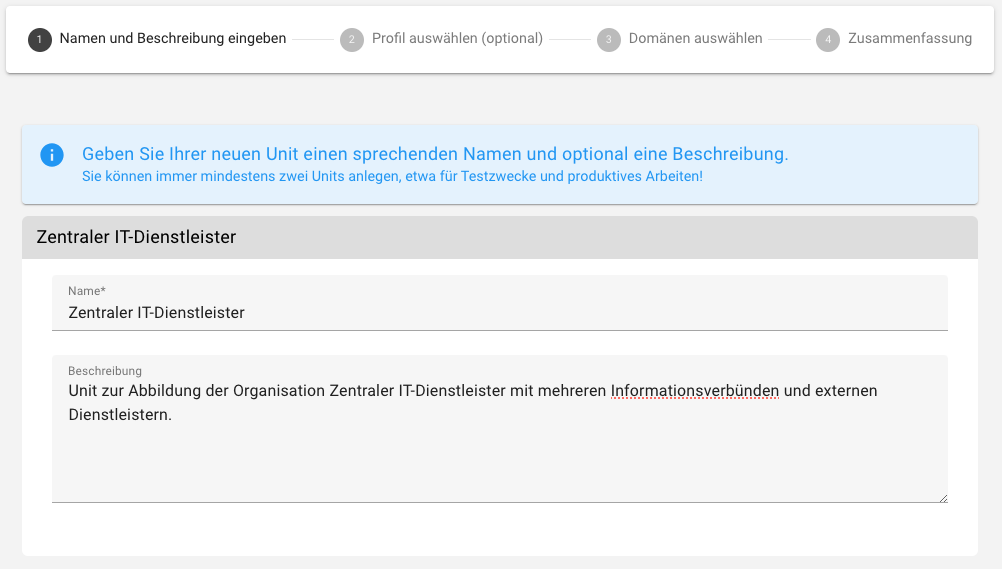
- create a unit in which you map your organization or institution:
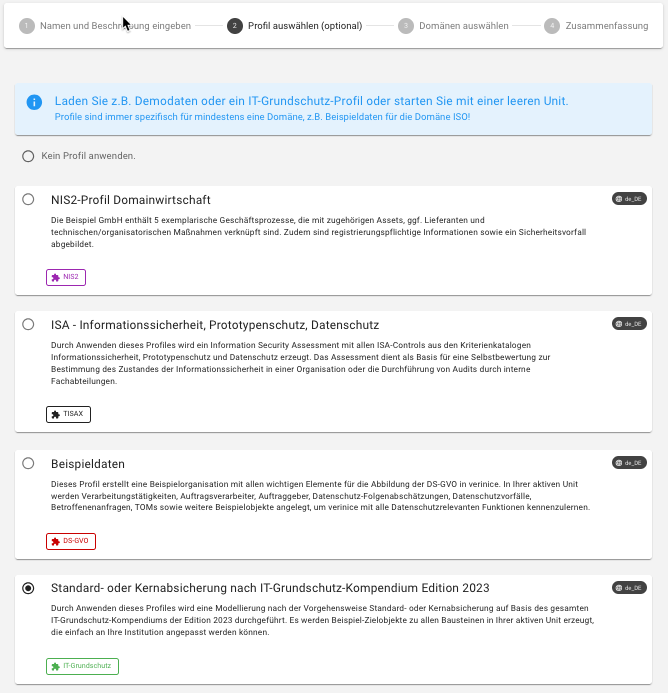
- optionally select a profile, which creates objects in your new unit as a template. Profiles are specific to (at least) one domain, e.g. Sample data for the GDPR domain, an IT-Grundschutz profile for the IT-Grundschutz domain or the Risk catalog for the ISO domain. You can add (further) profiles to your unit at any time via the unit management and start with an empty unit.
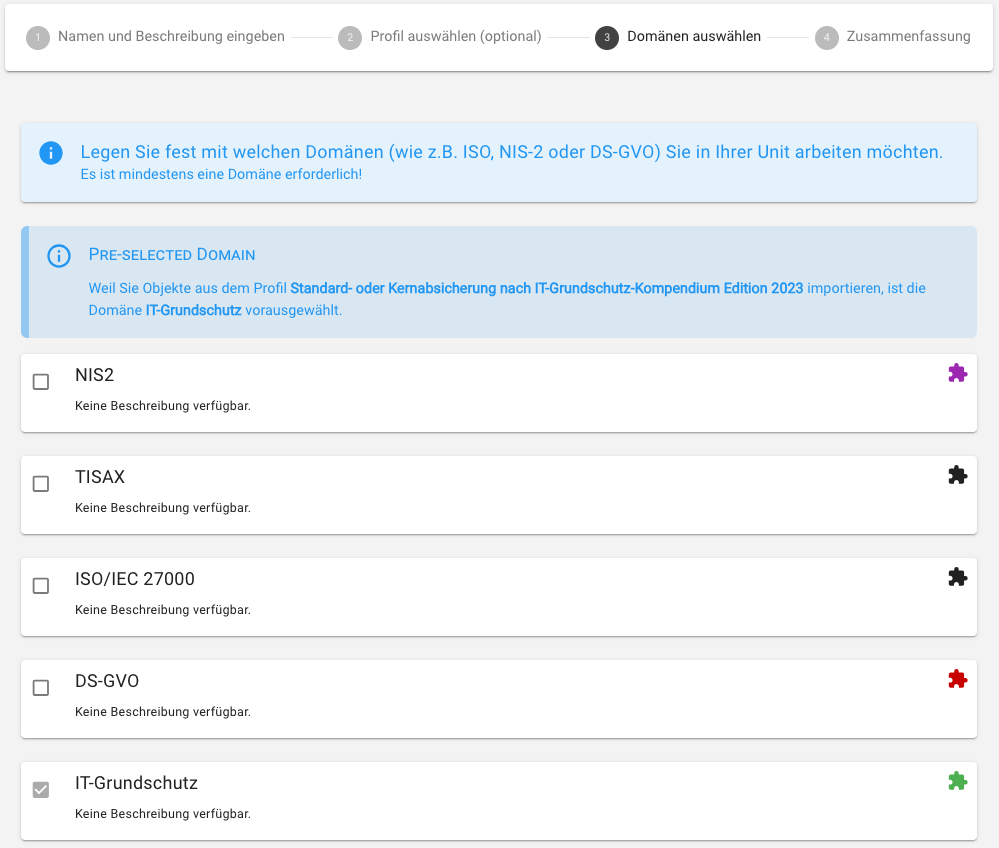
- specify which domains you want to work with in your unit. At least one domain must be selected! You can add further domains to your unit at any time via the unit management:
- if the selected details are correct, confirm the creation of your first unit:
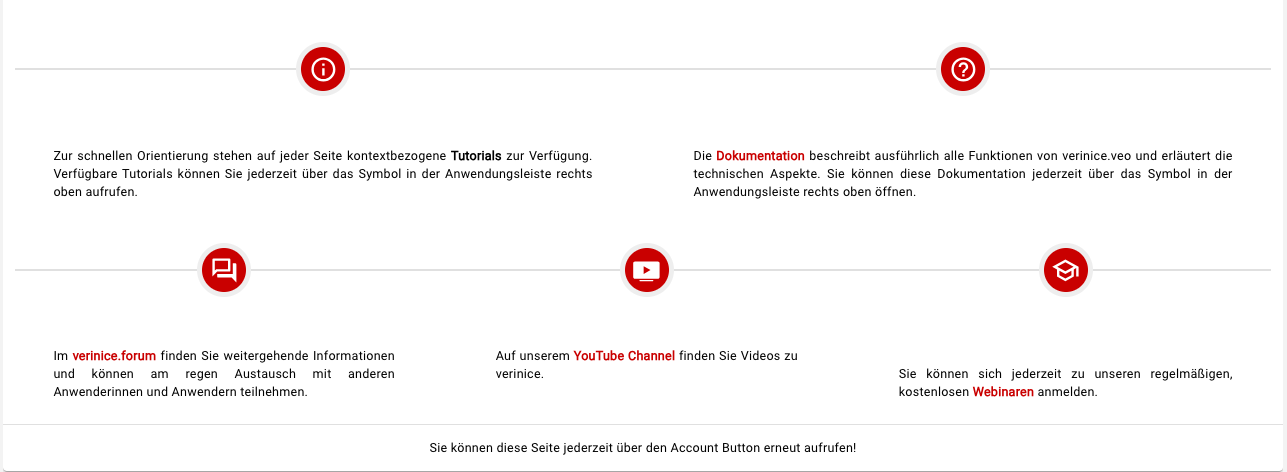
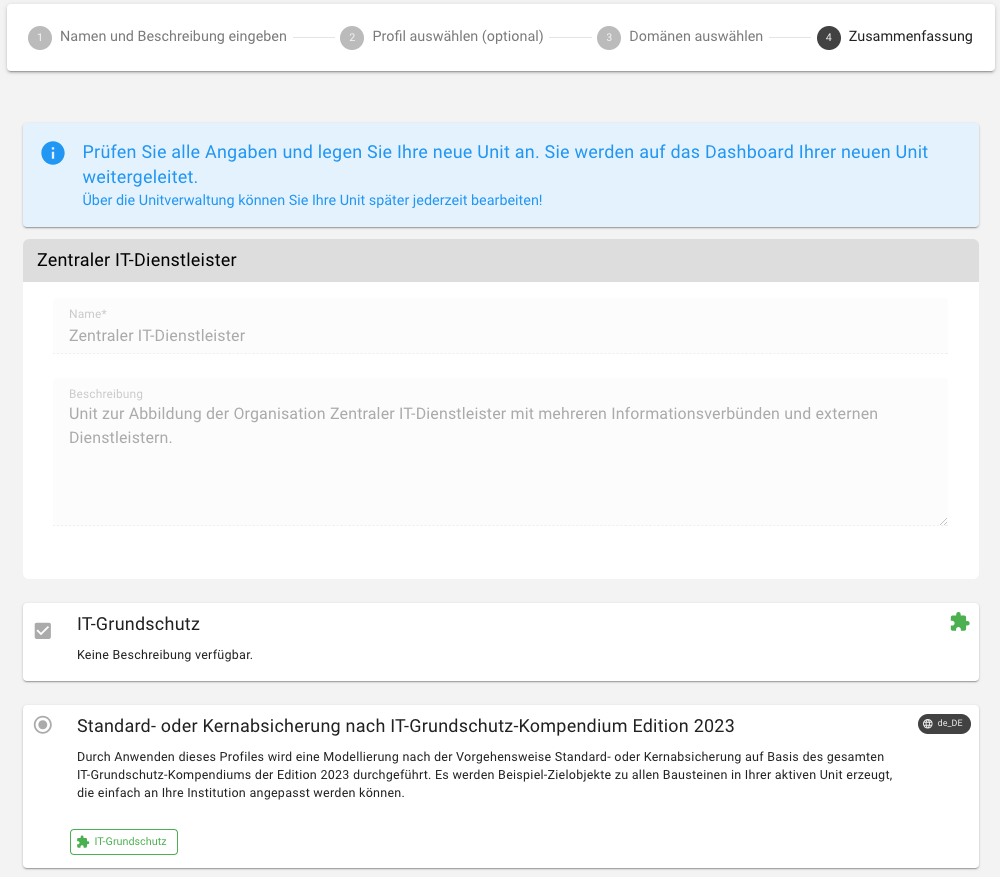 Once the unit has been successfully created, you will be redirected to the Dashboard of the unit. The First steps page summarizes further sources of information; you can call up the page again at any time using the Account button.