
Reports
In the Reports section, select the desired template from the available templates: 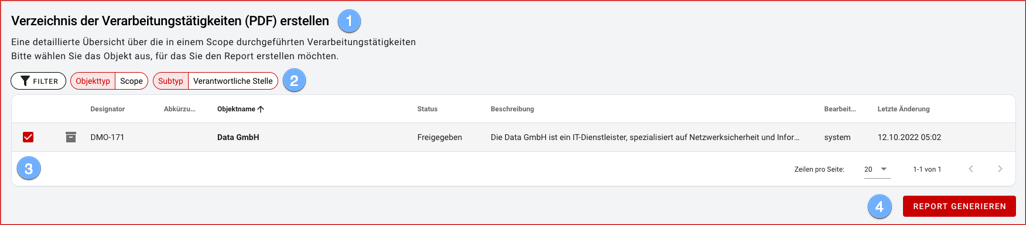
- a short description of the content is displayed for each template.
- reports are normally created across all scopes, depending on the type of report, a specific subtype may be required! Please note that the respective source objects for report generation must be created beforehand!
- when selecting the desired scope in the object list, the filter and sorting options known from the object overview are available.
- the PDF report is generated and saved by default in your download folder and opened in a new browser tab.