
Data transmission
As soon as a data transfer takes place, it can be mapped using the Data transfer form. In verinice, data transmissions represent a subtype of the target object Process and can be entered in two ways:
Create new data transfer
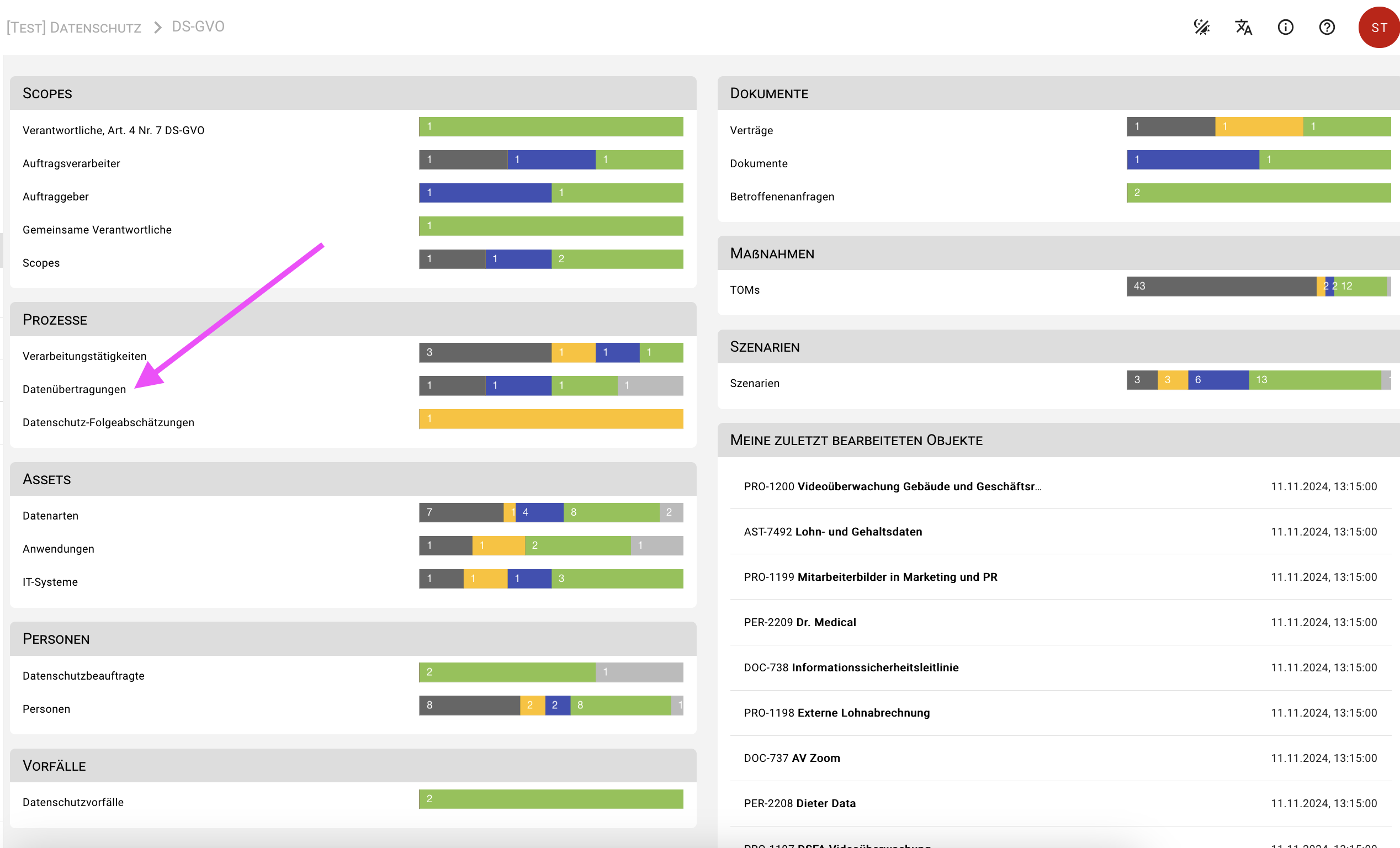
You can either create a new data transmission via the dashboard by clicking on the Data transmission form or you can navigate to the object overview via the main menu via Objects > Processes > Data transmissions and create a new object using the red Plus button.
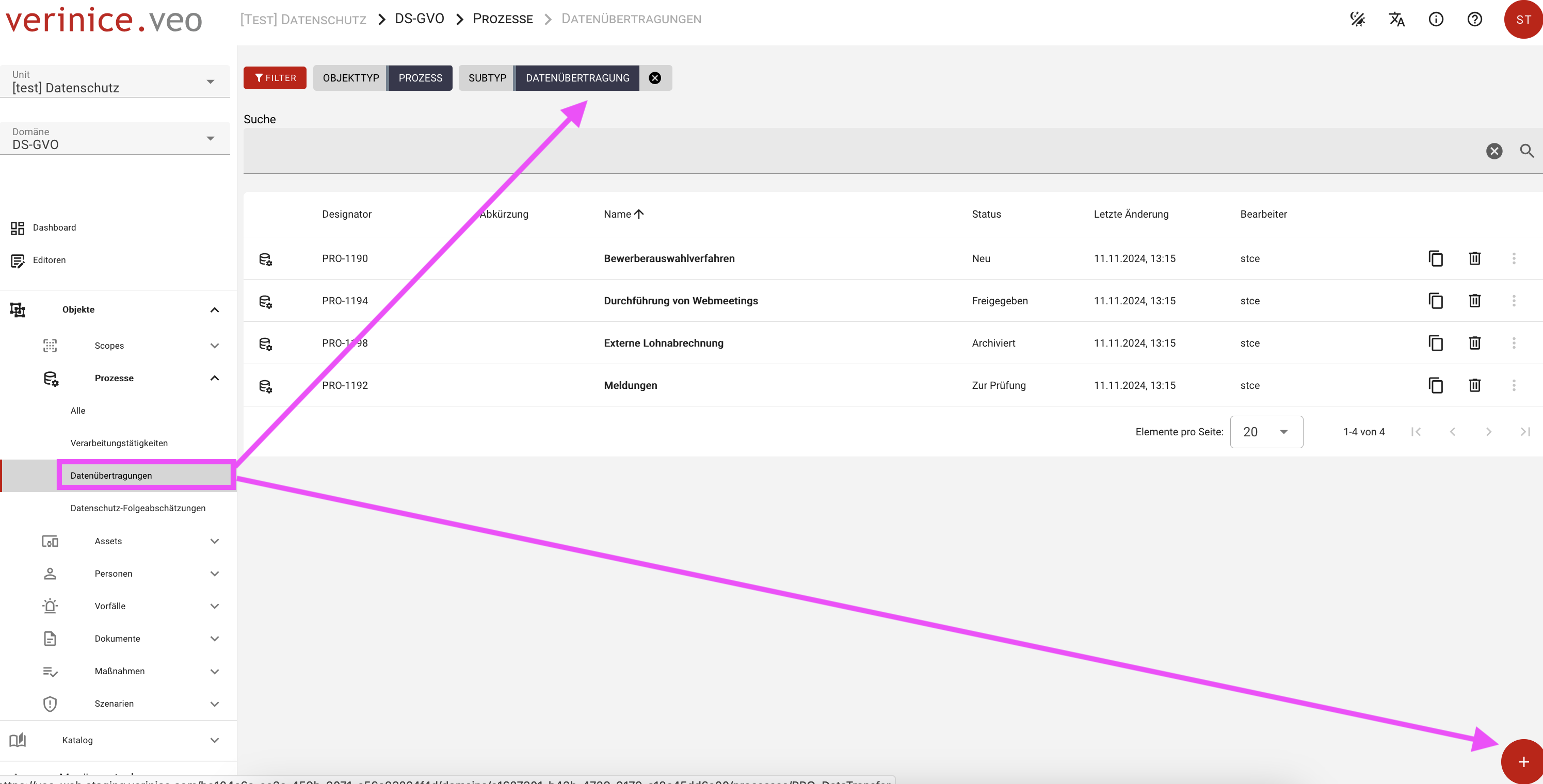
In the dialog that opens, you can enter and save all information, but at least the name and status of the data transfer form. The new object is now listed in the object view and can be opened for further processing.
Form contents data transmission
verinice distinguishes between three types of recipients in data transmission
- Internal recipients
- External recipients
- Order processor
Depending on the selection, the corresponding recipient types can be integrated into the data transfer.
You document the processors using the Processor form provided for this purpose, so that these objects are available for selection. Alternatively, you can create the order processors directly from the data transfer using the function Add link > Create order processor. You can find further information on the order processor in the chapter of the same name.
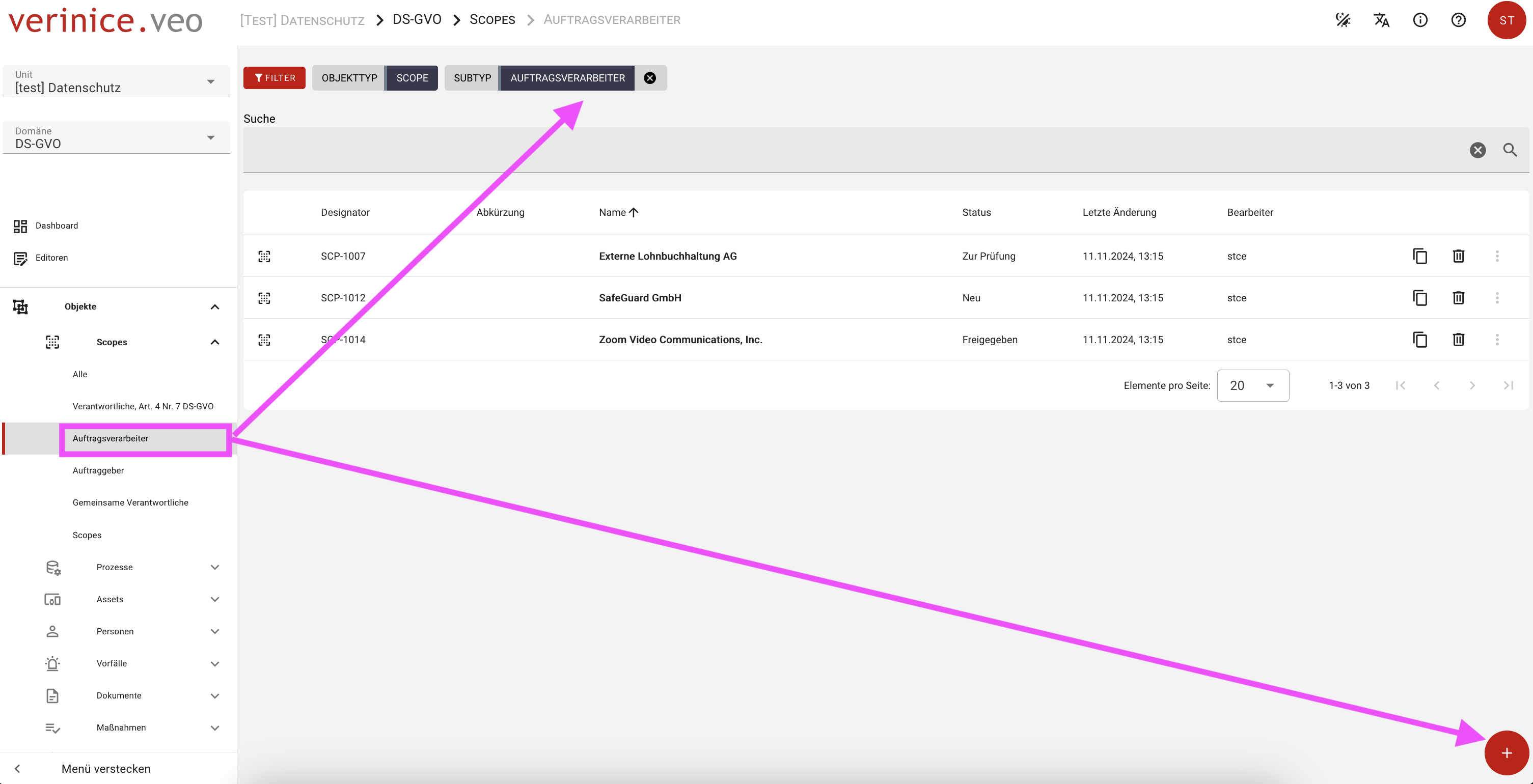
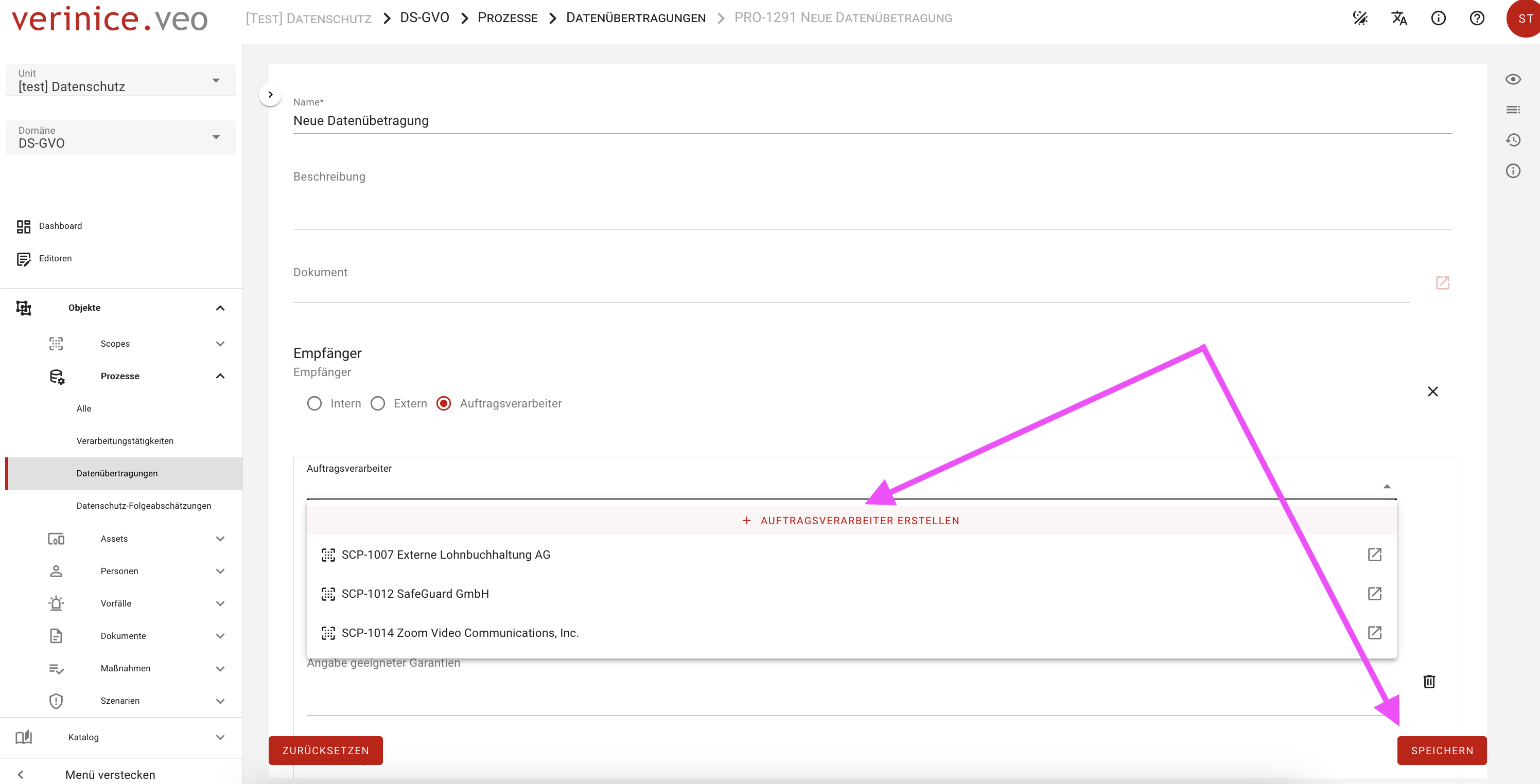
Internal and external recipients can be created and linked in the same way as processors. The (general) Scope form is provided for both recipient types.
For each recipient, information on the third country transfer can now be provided if required, the types of data processed by the recipient can be documented and, if necessary, legitimized via a legal basis.